Back to Blog
 By Edmund Adu Asamoah
December 7 2025
•
9 min read
By Edmund Adu Asamoah
December 7 2025
•
9 min read
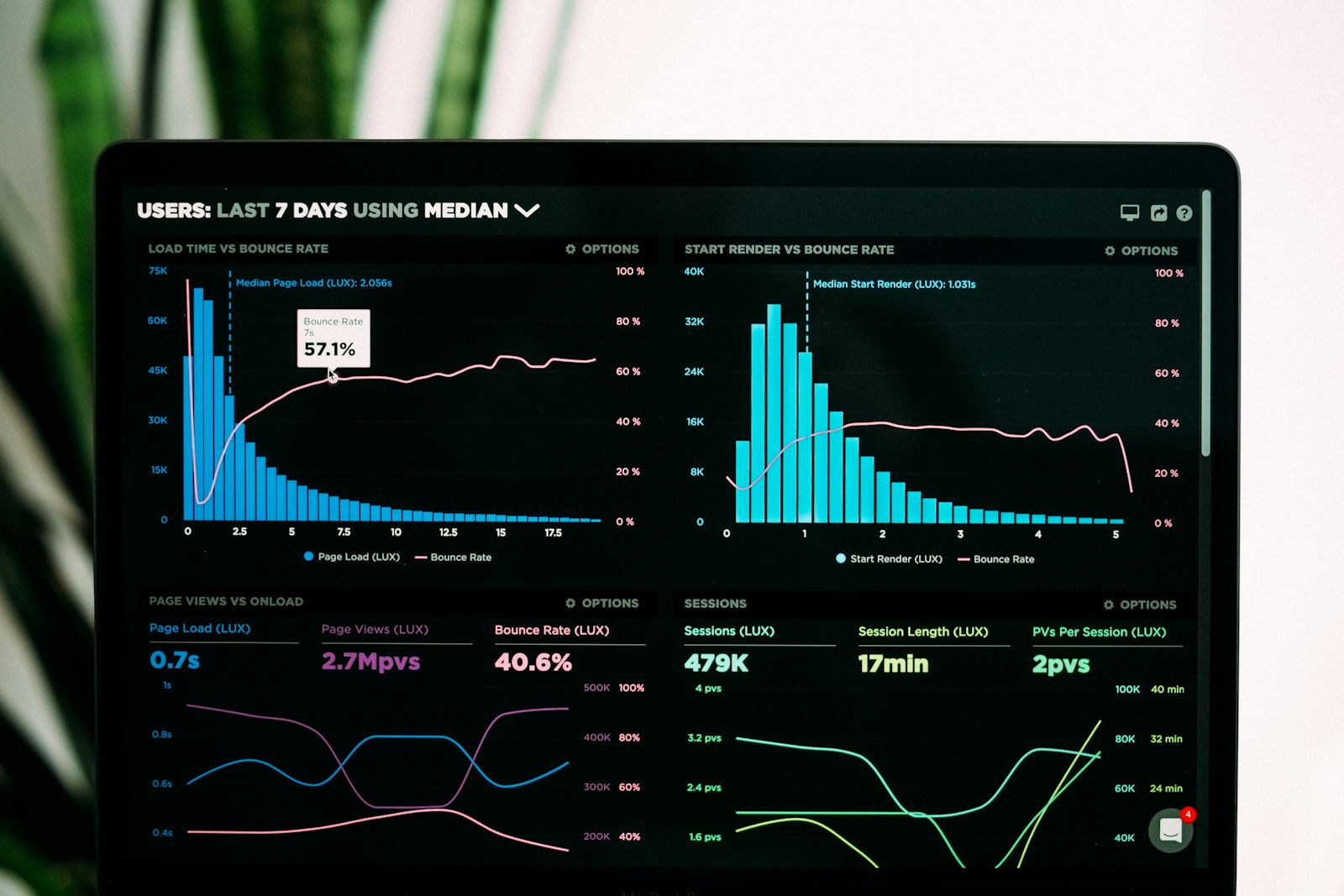
Ever notice how an app suddenly offers a discount, a reminder, or a perfectly timed notification right when you were about to close it? It can feel creepy, like it knows your next move.
Most of the time, it is not spying on your thoughts. It is watching patterns in behavior. Tiny signals like hesitation, scrolling speed, or sudden inactivity can look a lot like “I’m about to leave.” This post breaks down how that works, in normal language.
Retention systems are basically early warning systems. They do not know you personally, they recognize patterns that often lead to leaving.
In product teams, leaving is called churn or bounce. It could mean you close the app, uninstall it, stop opening it for weeks, or abandon a checkout. Apps try to predict that moment because saving one user is usually cheaper than finding a new one.
You do not need a camera or microphone for prediction. Most apps already capture basic interaction signals, like what screen you are on, how long you stay, and what you click.
Sometimes you are not unhappy, you are just busy. Models use time patterns too. For example, if you usually browse at night but suddenly stop for a week, that can trigger a reminder. That is not mind reading, it is trend detection.
Many systems produce a probability, like “this person has a 70 percent chance of not coming back this week.” That score can be based on hundreds of small features. Most are boring: session length, pages viewed, errors, latency, and past history.
Once a user looks at risk, the app tries something. A discount, a free trial extension, a “finish setting up your profile” prompt, or a perfectly timed push notification. The goal is to reduce friction and bring you back into a “happy path.”
Apps rarely guess a single best message. They test variants. Different timing, different wording, different offers. Over time, they learn what keeps more people engaged. That is why the nudge can feel “perfect.” It is the winner of many experiments.
A lot of this is standard analytics and retention modeling. The line gets blurry when data is overly detailed, shared widely, or used without clear consent. The good news is you often have control, at least on your device.
Your app is not psychic. It is observing behavior, scoring risk, and trying to keep you engaged. Once you know the mechanics, it feels less creepy, and you can decide what you are comfortable with.

Once you understand the system, you can keep the benefits and set the boundaries.
The next time an app nudges you at the perfect moment, pause for 10 seconds and do a quick check.